
Share your numbers, your way.
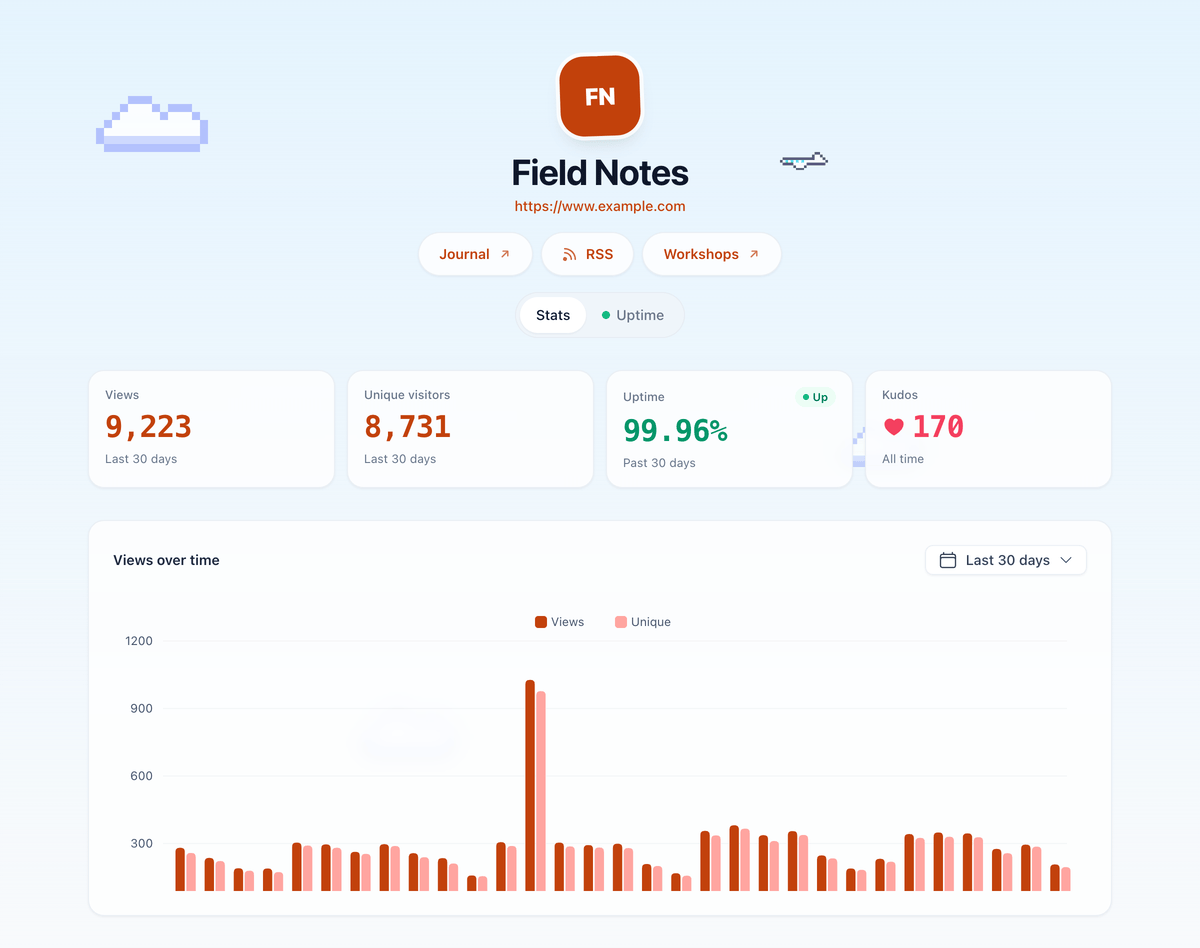
Publish a public stats page with your views, chart, top pages, and an optional uptime tab. Pick a wallpaper, choose which cards and link buttons to show, let visitors filter, or lock the page behind a password on Ultra.
Publishing the page
Turn on Make stats public under Settings → Sharing and the site gets a disposable
link built from a random string rather than your site's name. Anyone with the link can read it, no account needed.
Turn it off and that link stops working; turn it back on and you get a new one, so taking a page down really takes
it down. Every public page sends noindex so search engines stay out. Read the
public stats guide for every option.
What visitors see
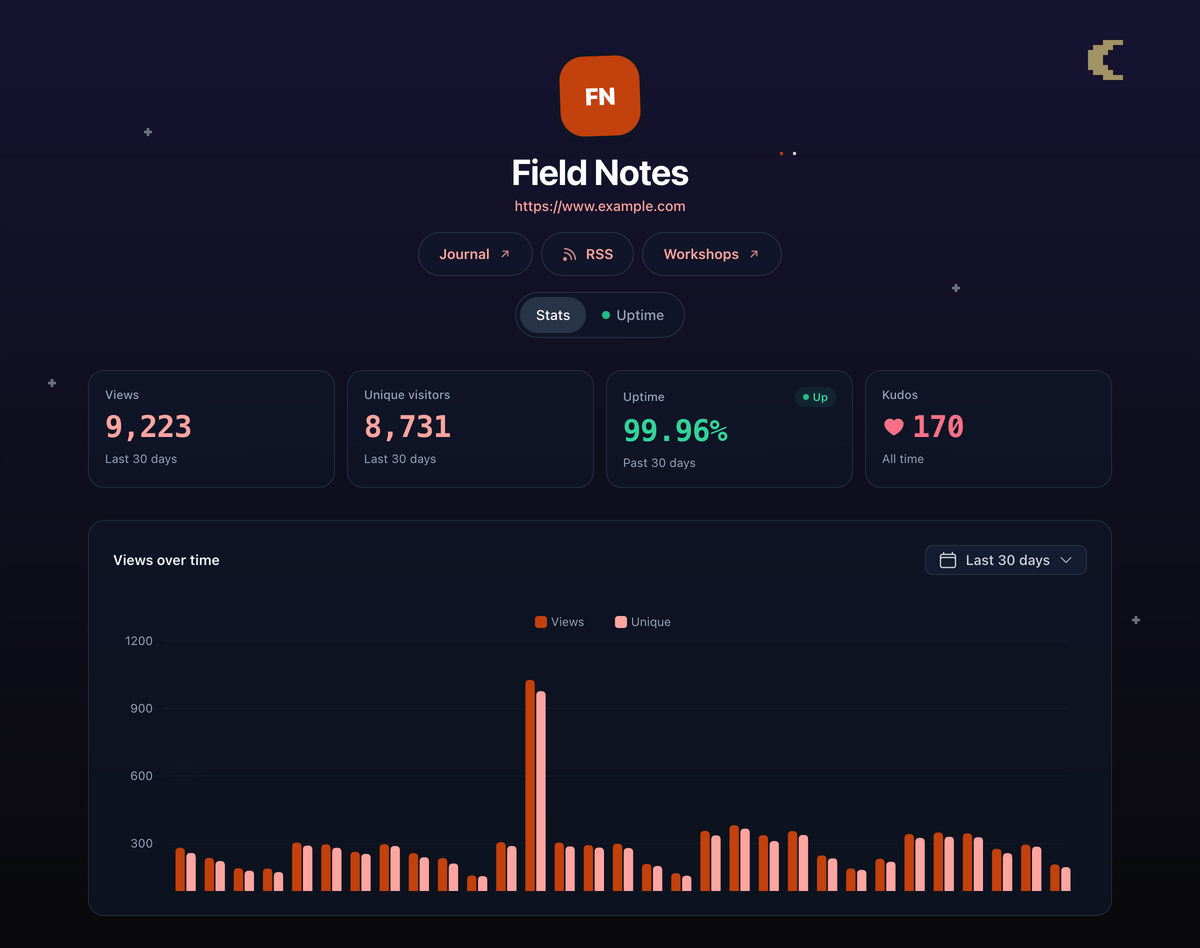
Every public page opens with your site's name and address, the widget cards you choose — Views, Unique visitors, Kudos, and Top page, plus Uptime (with an uptime monitor) and Countries on a paid plan or trial — followed by a traffic chart, your Pages table, and an opt-in Referrers table when you want to share where visits come from. On a paid plan or trial, the page also includes Countries, Browsers, and Platforms tables.
With Let visitors filter turned on (available on a paid plan or trial), visitors can pick their own date range or narrow the page by path or source, starting from your Default date range. With filtering off, or without a paid plan, the page always shows the last 30 days.
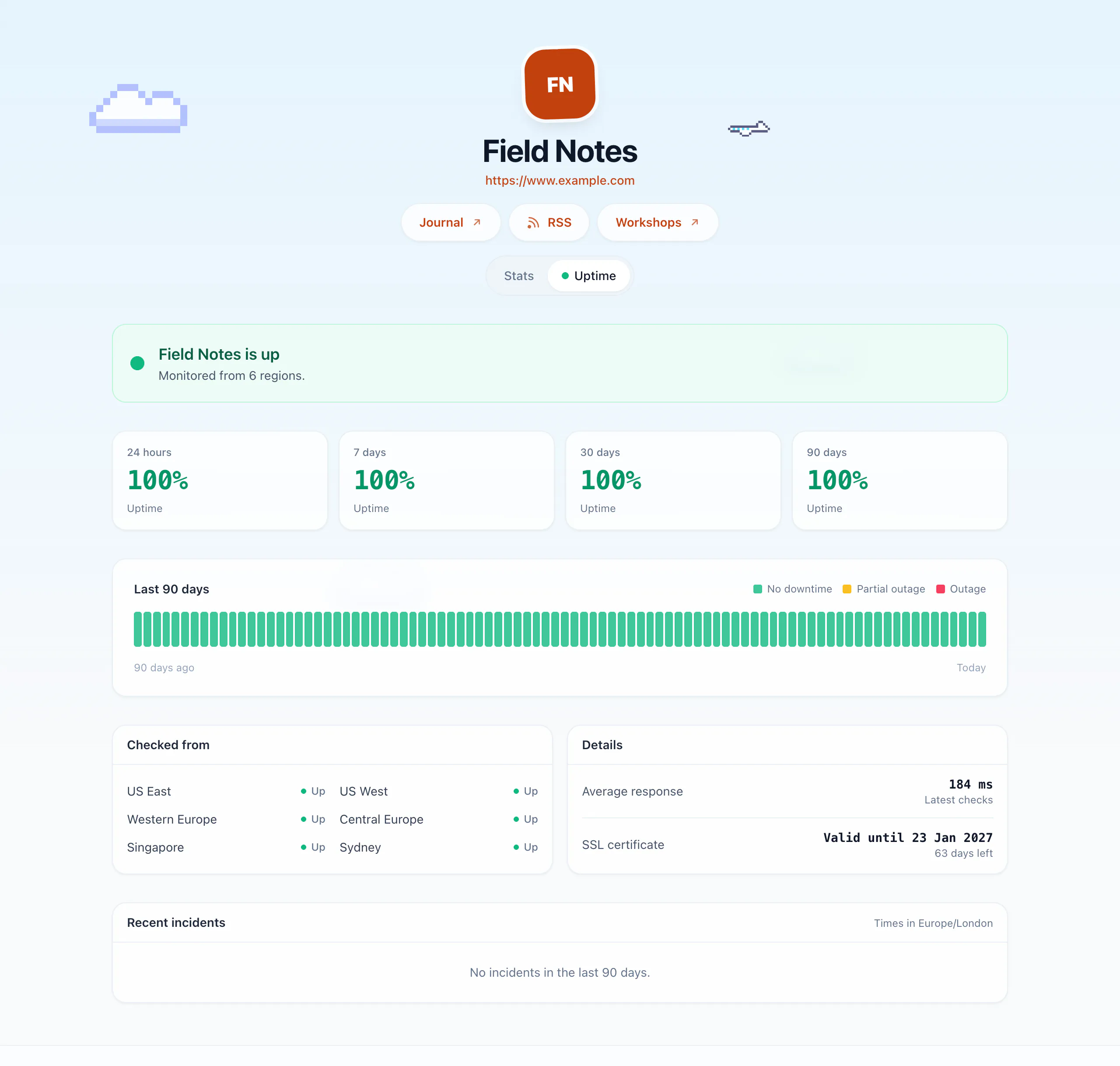
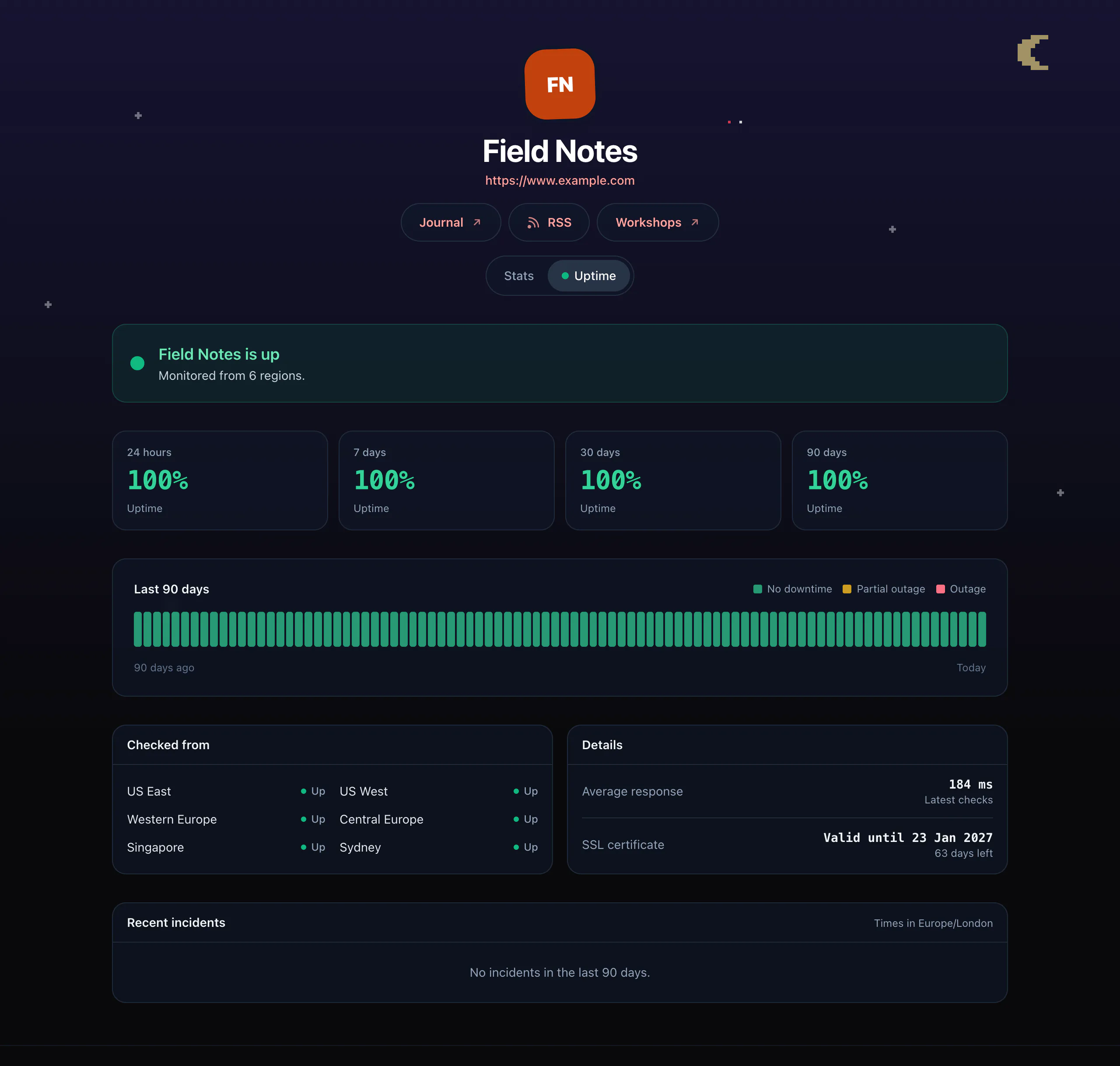
Sites with uptime monitoring can also enable an opt-in Uptime tab next to Stats. It displays 90 days of daily history, uptime percentages over 24 hours, 7, 30, and 90 days, the regions checking your site, average response time, SSL certificate expiry, and recent incidents with how long they lasted. Error messages, status codes, and IP addresses never appear.
Making it look like yours
Every plan includes the Customize public page editor. Pick a wallpaper — Sky, Hills, City, Grid, Neon grid, Desktop, or None — and it automatically follows each visitor's light or dark mode. Toggle and reorder your widget cards, add up to four link buttons in Soft, Solid, or Outline style (feed links get a feed icon automatically), turn on Show referrers, place your 88×31 badge at the bottom with Show pixel button, or switch off the Tinylytics footer. A live Desktop and Phone preview updates as you go, and visitors see nothing new until you save.
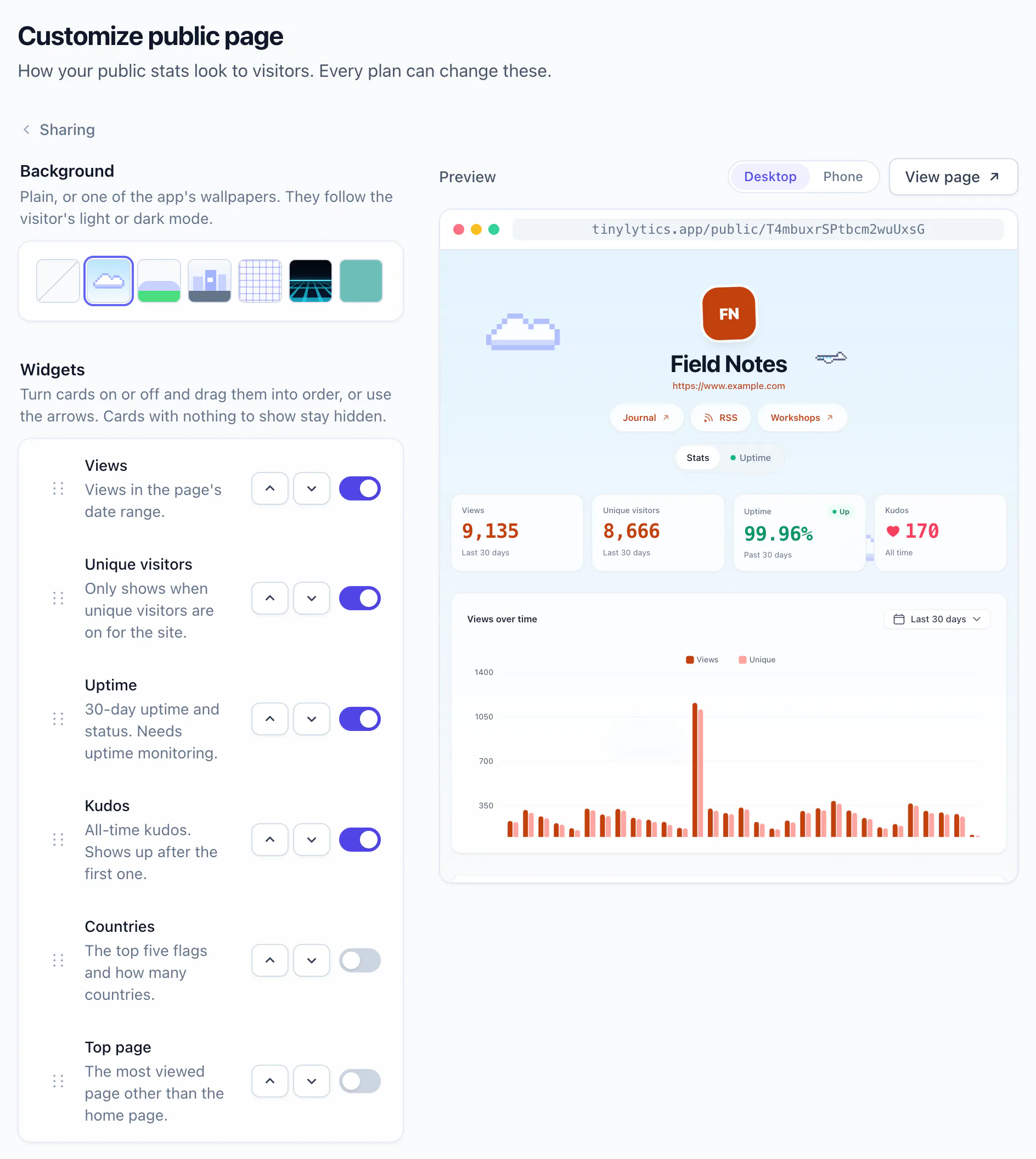
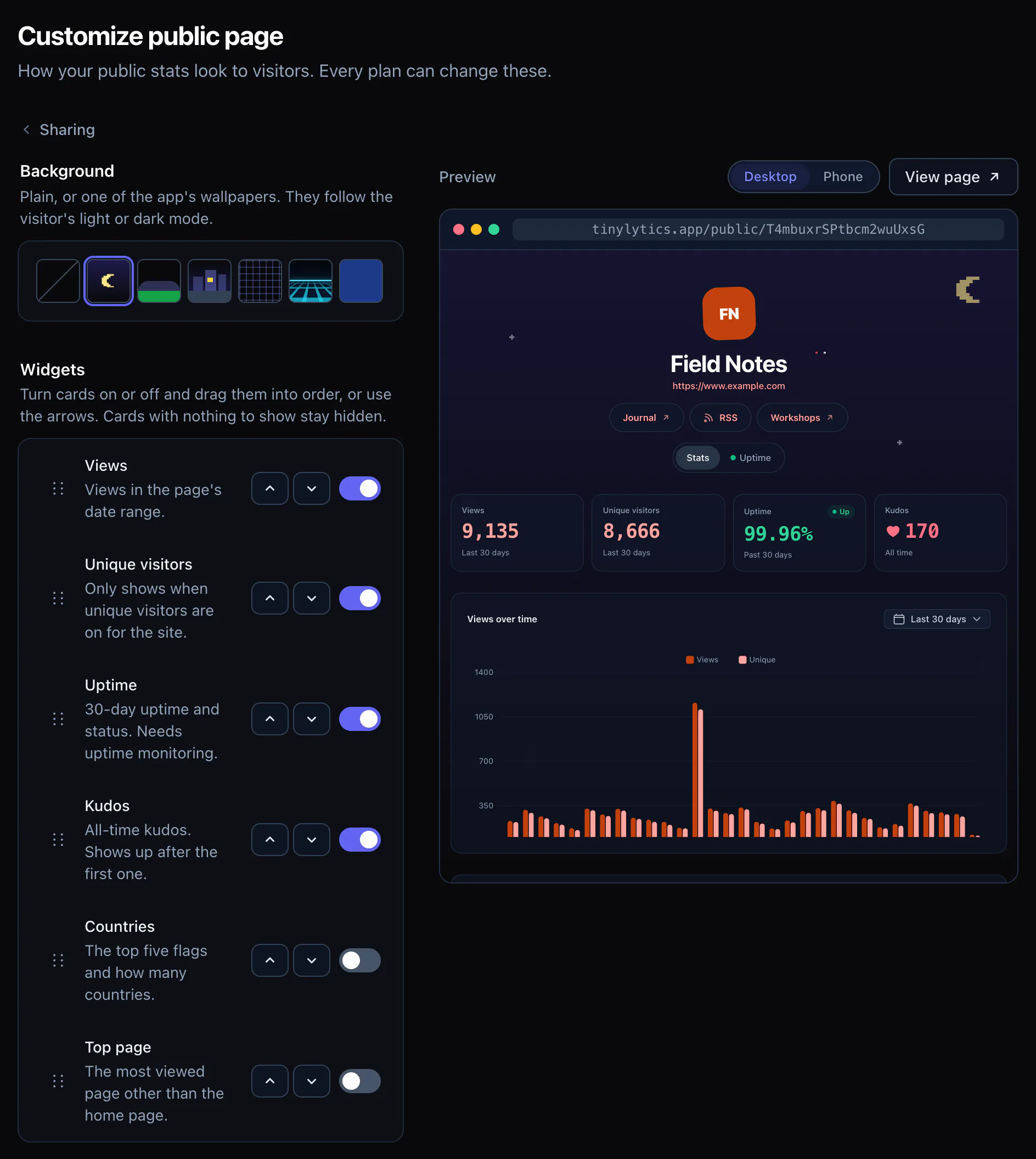
The page uses your site's accent color and can display your site's avatar or initials with Show avatar. Your chart settings carry over too: hide the chart, switch between columns and a line, or turn on Hide detailed stats to keep only your header, link buttons, widget cards, and footer.
Sharing it privately
On Ultra, you can lock the page behind a password. Visitors then need ?token= and the password at the
end of the link — ready to copy under Settings → Sharing — and anyone without it is turned away.
The same password covers the Uptime tab too. You can still view the page yourself while signed in and remove the
password at any time, which makes it an easy fit for a client report or numbers meant for a small group.